
How Kueon Works
Add competitors. Stay informed.
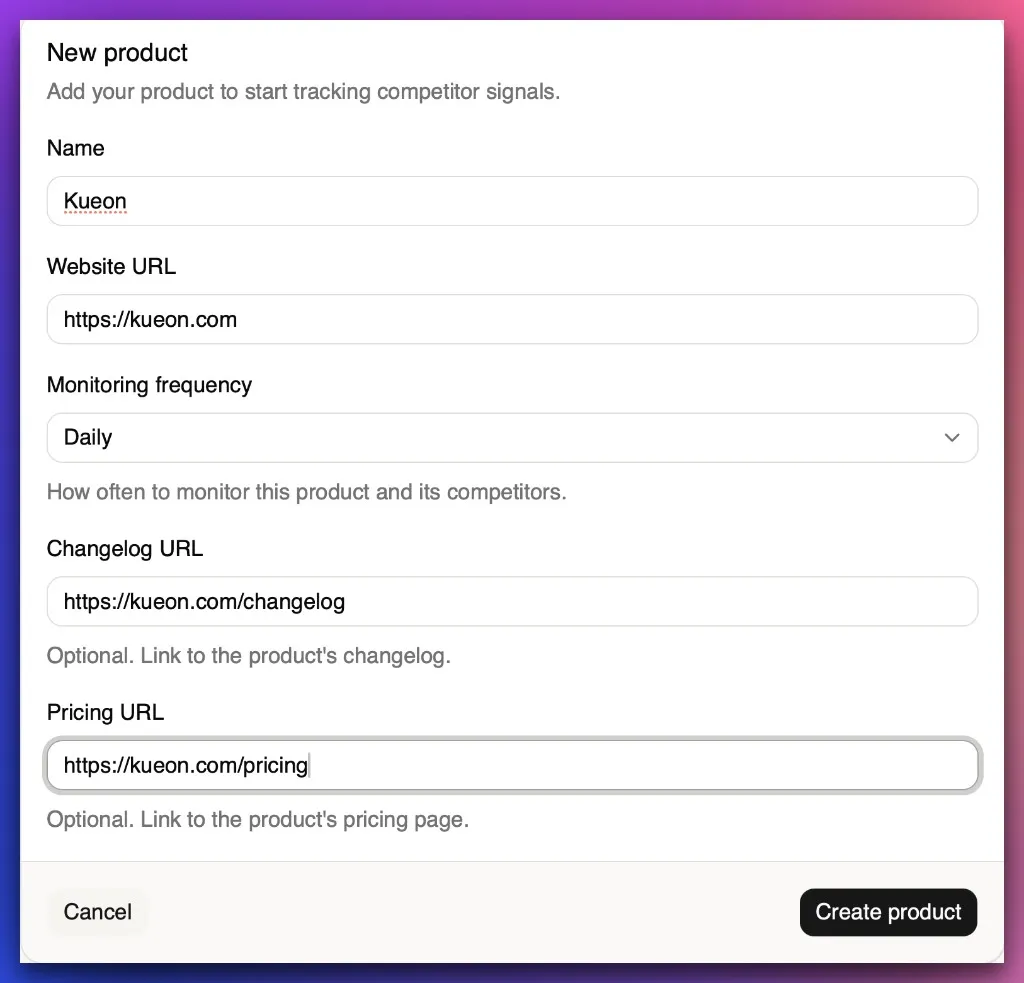
Create your product
Create the product you want to monitor. This is where you’ll add competitors and see all their updates.
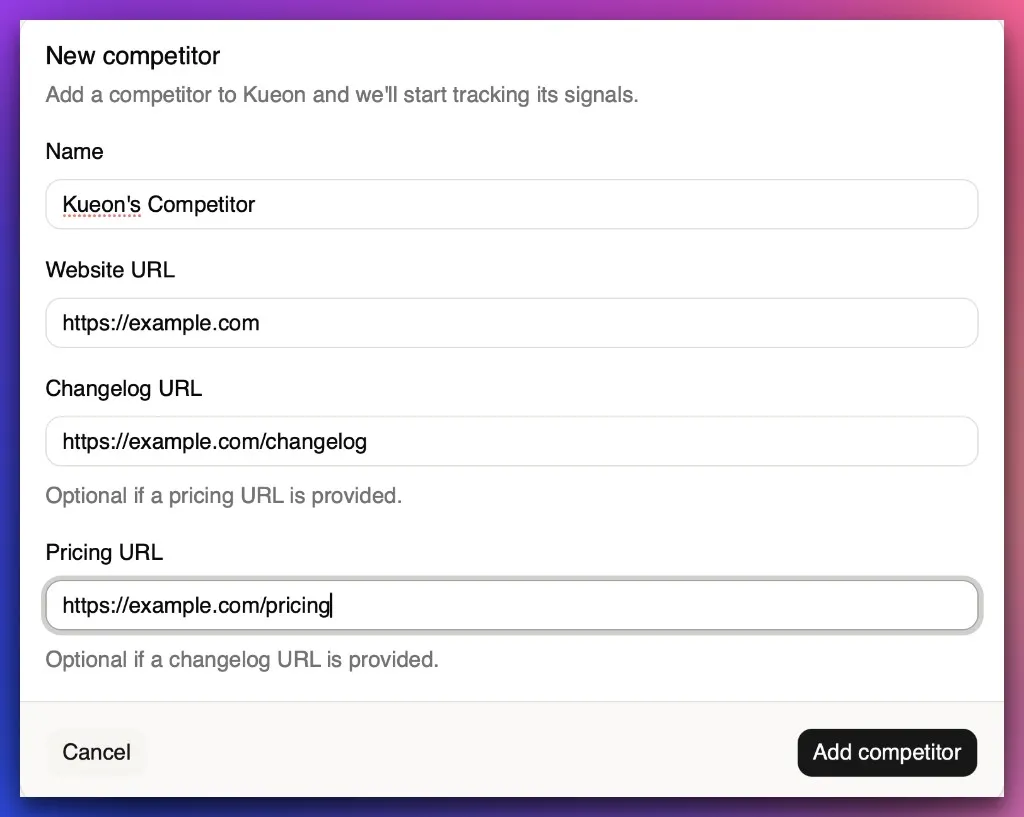
Add competitors
Add competitors with their pricing page and changelog URLs. Kueon performs the initial scan as soon as a competitor is added.
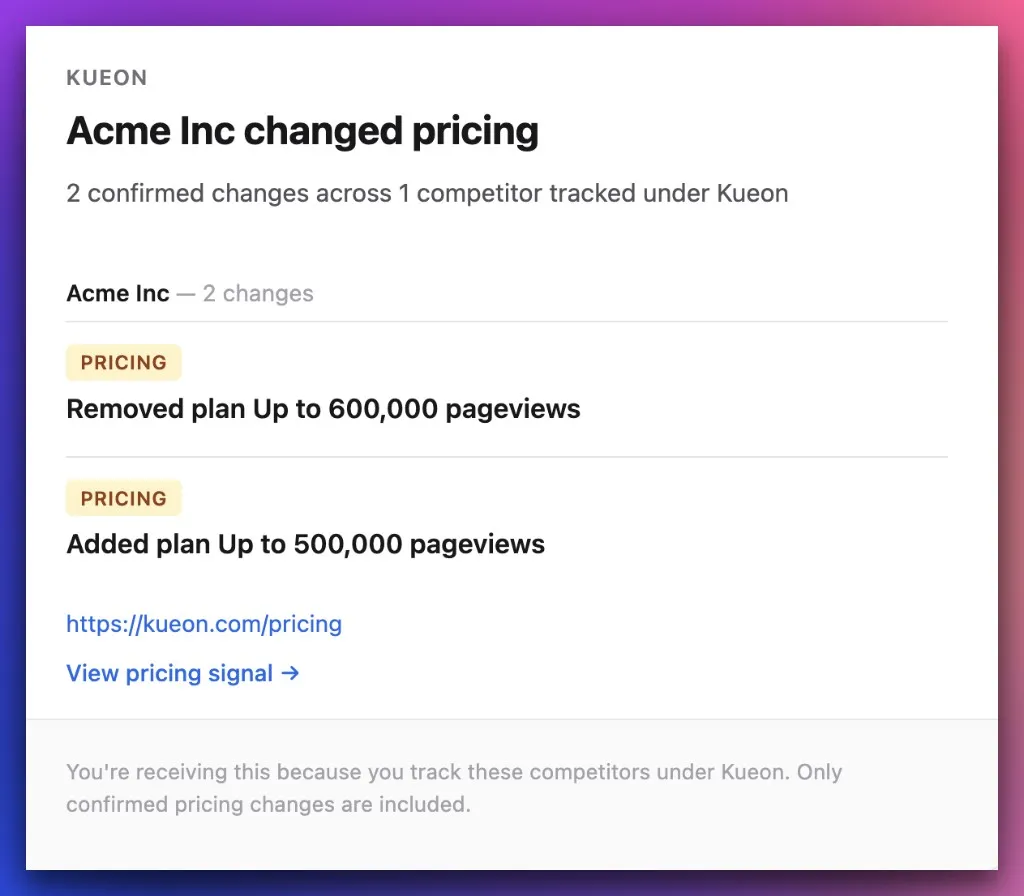
Get competitors’ product updates, pricing, and mentions
Kueon monitors pricing changes, product updates, and relevant conversations about your product and competitors, then emails you when something changes.
We monitor pricing visible on the initial pricing page, interactive pricing states are on the roadmap.
Stay informed without the hassle.
Get competitor product updates, pricing changes, and mentions delivered to your inbox.